Best AI PDF Table Extraction Tools 2026: PDF Tables to Excel
Compare iLovePDF, Smallpdf, Docparser and Camelot for converting PDF tables into Excel or CSV. Review native versus scanned PDFs, table structure, credit and plan limits, batch handling and the reconciliation step that decides whether the export is usable.
AI Tool Finder Editorial Team · Documentation reviewed September 14, 2026; pricing and access rechecked October 15, 2026
Direct answer: choose by the PDF and the deliverable
Shortlist iLovePDF for a quick free conversion of a PDF whose text is selectable, Smallpdf when the file is scanned and needs OCR, Docparser when the same layout repeats and you want rules, templates and an API, and Camelot when a data team needs a scripted, reproducible extraction from text-based PDFs. The first decision is not the tool: it is whether the PDF contains selectable text or page images.
This is a documentation-verification guide. Every limitation below is summarized from the vendors' own documentation or from the library documentation, and figures that the vendor pages did not state are marked not confirmed rather than guessed. No extraction accuracy percentage, speed comparison or time-saving estimate is claimed, because no shared corpus was run.
The four candidates cover the four real routes: a free browser converter, a browser converter with OCR on a paid tier, a hosted rule-based extraction service for repeating layouts, and an open-source Python library for reproducible pipelines. Hosted tools whose pages could not be reached from this environment, and tools that only answer questions about a document instead of returning rows and columns, were left out of the shortlist.
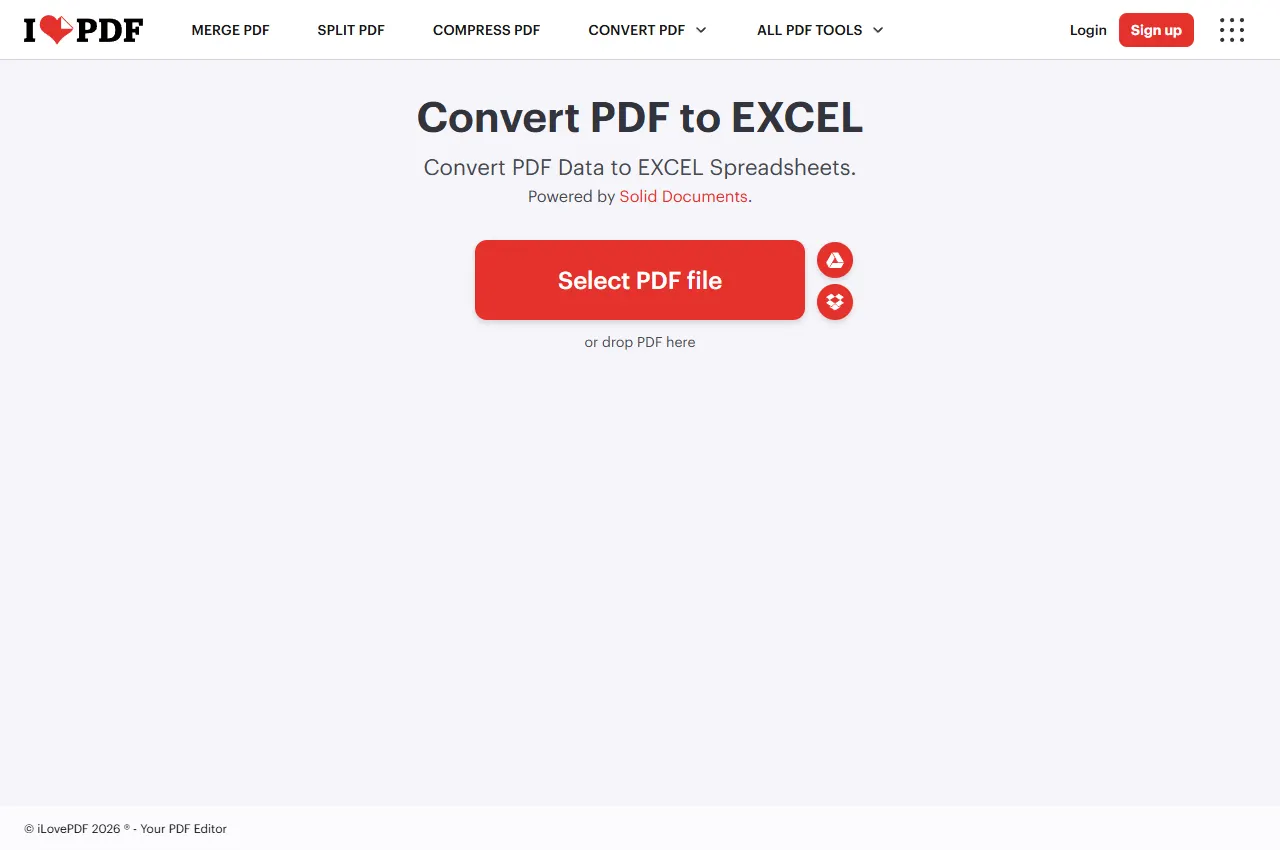
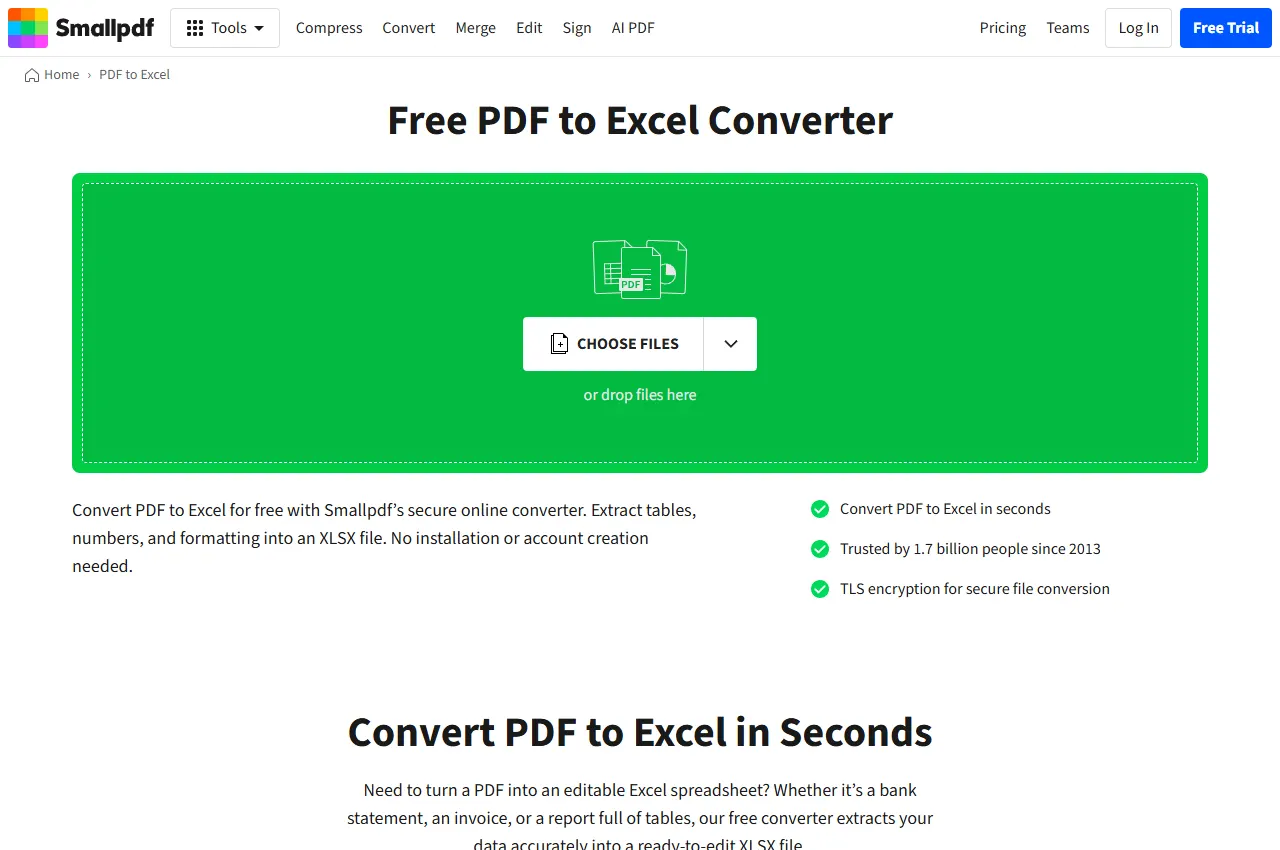
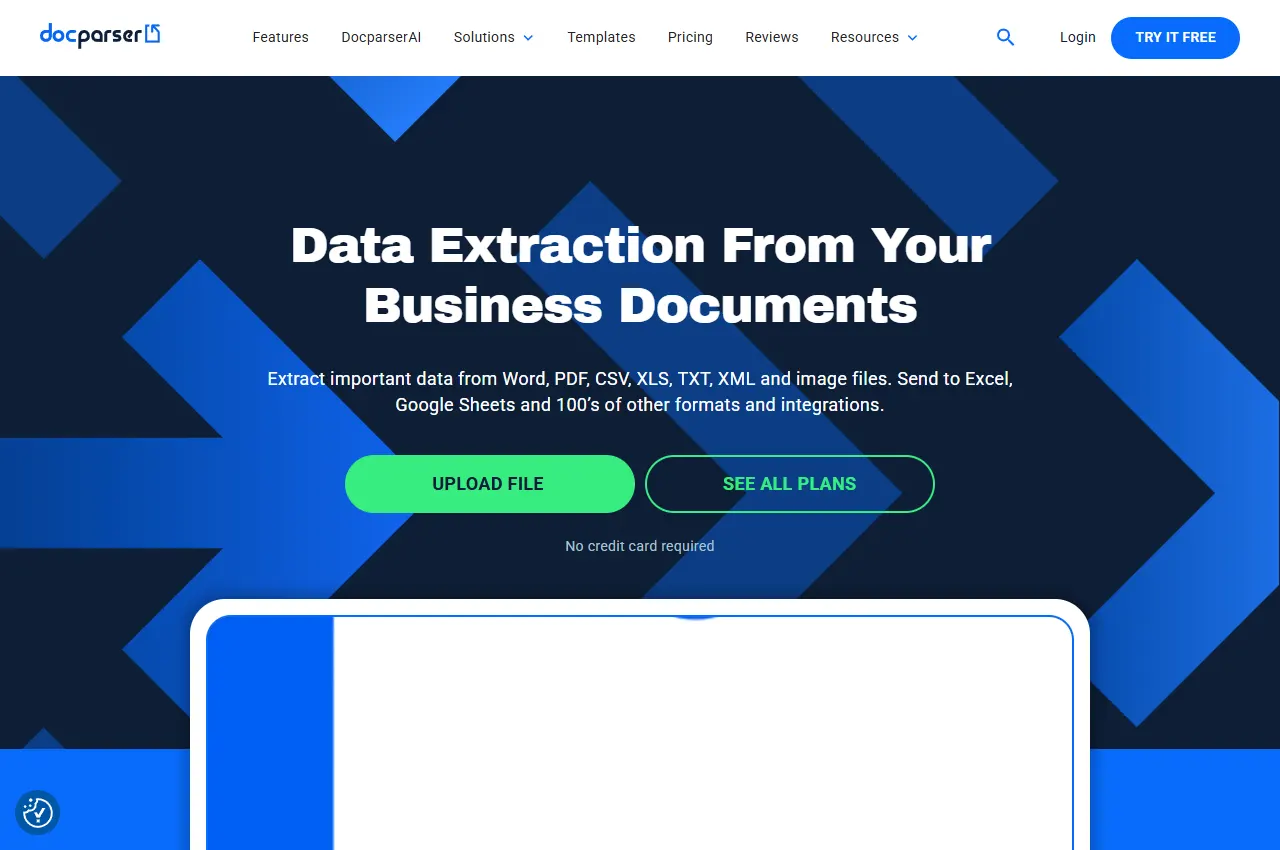
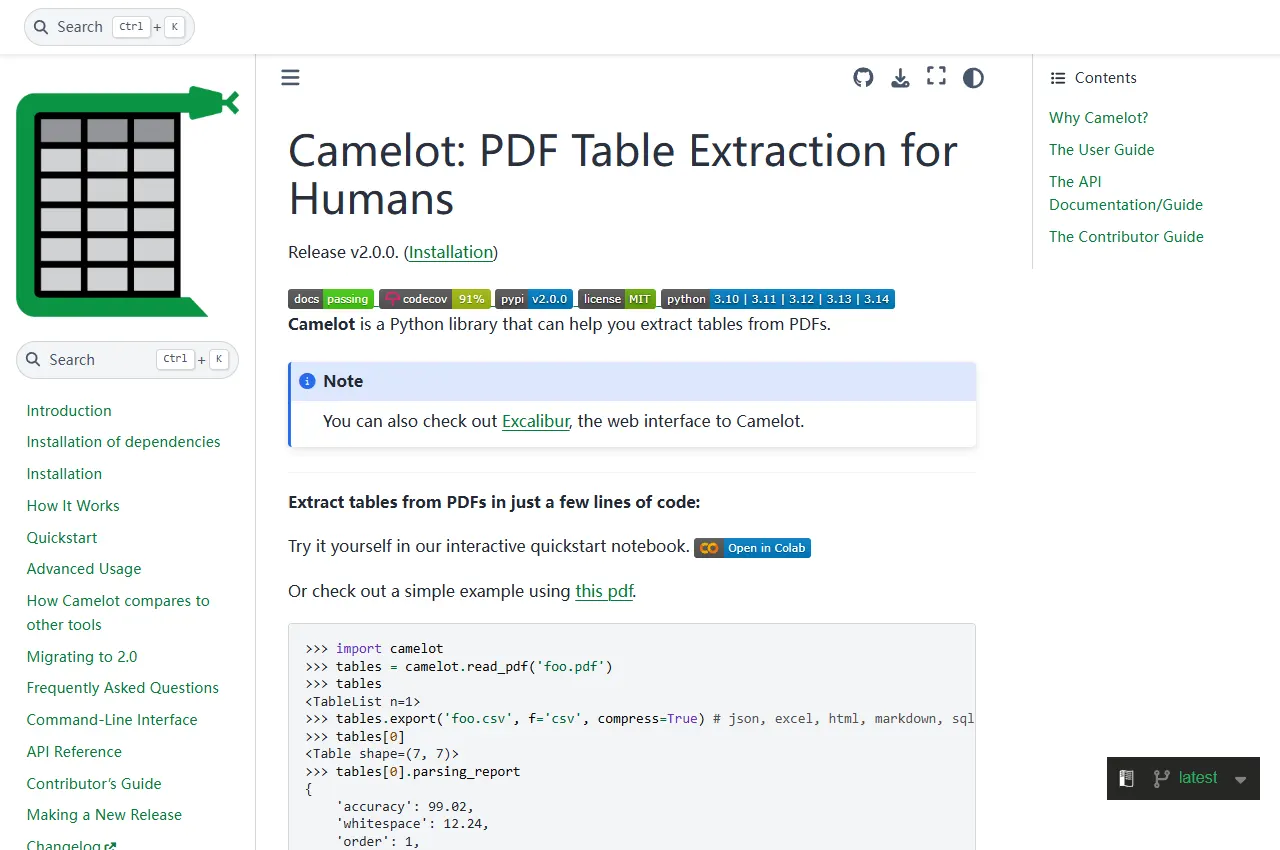
Each card links to the vendor's own documentation. The previews show official vendor websites, not extraction results. Nothing on this page is an accuracy measurement: table extraction is judged by reconciling the worksheet against the source document.
Official website preview · Source · September 14, 2026
If the converter reports scanned pages, select an OCR-capable route and check its paid access terms. Reconcile the resulting spreadsheet against the original page.
Official website preview · Source · September 14, 2026
The official converter separates basic selectable-text conversion from an OCR mode for scans, and documents batch processing with a trial of the paid tier.
Best for
Teams that need OCR on scanned documents and batch conversion
Check first
Which OCR mode is required, daily free limits and batch availability
Limitations
OCR and batch processing are documented as paid-tier features rather than free-plan features.
Treat OCR output as a draft, not a finished dataset. OCR reads shapes; it does not understand that a merged header row belongs to two columns, and it will happily turn a decimal comma into text.
Official website preview · Source · September 14, 2026
A hosted extraction service that parses PDFs, Word files and images with rules or templates, then exports rows to Excel or CSV, by upload, cloud storage, email or REST API.
Best for
Recurring documents from the same vendors where the layout barely changes
Check first
How many document layouts you must maintain, and the export and API limits
Limitations
Rule-based extraction needs upkeep whenever the source layout changes.
This route pays off when the same supplier layout arrives every month. It costs more attention than a converter because each layout needs its own rules, and a layout change means the rule must change too.
Official website preview · Source · September 14, 2026
An open-source Python library for PDF table extraction with Stream, Lattice, Network, Hybrid and ML flavours, exporting to CSV, JSON, Excel, HTML, Markdown or SQLite.
Best for
Data teams that need the same extraction to run again and be inspected later
Check first
Whether the PDFs are text-based, which flavour fits the table style and the export format
Limitations
The documentation states The standard Camelot workflow needs a text layer; scanned pages require OCR preprocessing.
The payoff is repeatability: the same script produces the same worksheet, and the parsing choice is written down instead of remembered. The cost is that a developer owns dependencies, flavours and failures.
Quick comparison table
Tool
Best for
Access and cost model
Native or scanned PDF
Open tool
iLovePDF
One-off PDFs whose text can already be selected in a reader
Free browser conversion; the suite also offers paid plans
Selectable text without OCR; scanned pages with Premium OCR
The decisive column is PDF type. A converter that documents selectable-text conversion will return little or nothing useful from a scan until OCR is applied, and OCR results must be reconciled against the page image.
Four PDF table extraction routes compared
iLovePDF: quick conversion of selectable text
iLovePDF offers conversion to Excel with a No OCR option for selectable text and a Premium OCR option for scanned pages. For an occasional generated report, start with selectable-text conversion. For scans, check Premium access and supported OCR languages before relying on the output. Both paths still require a row and total check.
For a one-off invoice, statement or report, inspect the returned spreadsheet and reconcile its totals before using the data.
When to skip: if you require a versioned, automated extraction pipeline or cannot use a hosted converter for the source documents.
Smallpdf's converter page documents two paths: a basic conversion for selectable text and an advanced mode with OCR that makes text inside images editable, with scanned-document conversion and batch work tied to the paid tier. It also states that free conversion is subject to usage limits while unlimited conversions and batch processing come with a trial of the paid plan.
Compare its OCR and batch access with iLovePDF Premium when processing scanned files.
When to skip: if you need a fully deterministic pipeline. Browser converters are convenient for occasional files, but they do not give you a script, a version history or a repeatable rule set.
Docparser is built around the opposite assumption to a one-off converter: you define rules or start from a template for a document type, then let the service extract the same fields from every new file. It accepts PDFs, Word files, images, CSV and XML, can ingest documents by upload, cloud storage or email attachment, and can deliver data to Excel, CSV or other systems, including a REST API.
Rules need maintenance when a supplier layout changes. Starter costs $39/month billed monthly with 100 credits/month; the annual option is $390/year for 1,200 credits/year. One credit covers one document up to five pages. See the cost example below before budgeting multiple files. Pricing rechecked October 15, 2026.
When to skip: if the documents are one-offs or the layouts change constantly. Rule upkeep will cost more than converting each file by hand.
Camelot is a Python library whose documentation describes several parsing strategies — Stream and Lattice for ruled and unruled tables, plus Network, Hybrid and an ML (Table Transformer) flavour — and exports tables to CSV, JSON, Excel, HTML, Markdown or SQLite through methods such as to_excel. Dependencies vary by parser and installed version. The advanced guide recommends OCR preprocessing for image-only PDFs.
Its most important published limitation is also its clearest: The standard Camelot workflow needs a text layer; scanned pages require OCR preprocessing. That makes it the right instrument for a repeatable pipeline over generated statements or reports, and the wrong one for photographed paperwork unless an OCR step runs first.
When to skip: if no one can own a Python environment. An unmaintained script is worse than a manual conversion, because the team will trust its output long after the source layout changed.
Two questions decide the route before price or model quality matter:
Is the text selectable? Open the PDF and try to select a cell. If selection works, a free text-based converter is enough to start. If it does not, you need OCR, and every value must be reconciled against the page image.
Does the layout repeat? One-off documents favour a browser converter. The same invoice or statement layout every month favours rules or a script, because the setup cost is paid once and reused.
Who will maintain it? A rule-based service needs a business owner who notices layout changes; a script needs a developer who owns dependencies. Neither survives without an owner.
What does the deliverable require? If the spreadsheet must refresh or be audited, prefer a route that can be re-run and compared; if it is a single report, manual cleanup is often faster than automation.
Structure, not just values: merged headers, multi-row headers, footnotes and rotated labels are the usual failure points. Decide how the target worksheet should represent them before extracting.
A 30-minute reconciliation test
Extraction is only verified by reconciling it against the source. Run this on the real document, not on a demo file:
Choose a page whose totals or row counts you can verify from the PDF itself.
Extract it, then check four structural things: the header row, merged or multi-level headers, the number of data rows, and whether footnotes were pulled into the data.
Check four data things: leading zeros in codes, dates as dates rather than text, negative numbers and thousands separators, and decimal points.
Reconcile one numeric column to the document's own total. If it does not match, the extraction is a draft.
Re-run the same file and confirm the output is identical; a route that changes between runs cannot be automated safely.
Record the result in the source document's own terms, for example rows extracted versus rows printed on the page.
Write the pass condition before you start: for example, every row accounted for, totals reconciled, no header text inside the data range, and dates stored as dates. Anything short of that is a draft that needs review.
Compare billing units and access
Pricing/access review: October 15, 2026. USD where stated; annual equivalents require annual billing and exclude taxes. Browser converter prices that were not reliably exposed are left unquoted.
Tool
Input → output
Billing basis
Limit to check
Official source
iLovePDF
Browser upload → Excel
Free selectable-text conversion; Premium for OCR. Exact current localized checkout price not confirmed.
Check file and OCR limits for the selected plan; review totals after conversion.
For Docparser, 100 separate five-page documents consume 100 credits under the published rule. But 500 separate one-page documents consume 500 credits, even though both sets contain 500 pages. Document count and length distribution matter; do not pool every five unrelated pages into one credit.
Illustrative monthly cost: if 80 documents of at most five pages each use the $39 monthly Starter plan, the subscription allocation is $39 ÷ 80 = about $0.49 per document. That excludes parser setup, review time, add-ons and any additional processing. It is arithmetic, not a tested cost or accuracy result.
Before uploading a business document
For a hosted converter, confirm retention, deletion and processing location against your organization's requirements. For a local script, confirm that optional OCR and dependencies also run where you expect. Use a redacted sample first; compare row counts, totals, date formats, negative values and leading-zero IDs with the original. Keep the source file and output together for review.
When extraction still needs a human
Every route on this page can produce a plausible worksheet. The following cases still need a reviewer, whatever the tool claims:
Scanned or photographed tables. OCR reads shapes; a smudged digit becomes a confident wrong number.
Merged and multi-level headers. The meaning of a column often lives in a header cell that spans several columns, and a flat export loses it.
Footnotes and unit notes. "Figures in thousands" or "excluding tax" changes every value and is frequently missed.
Rows that continue across pages. A record split across a page break is a classic silent duplicate or omission.
Numbers formatted as text. Leading zeros in product codes and locale-specific decimal separators need explicit handling.
Regulated or financial data. Keep the source page reference next to every extracted row so a reviewer can trace it back.
Batch and audit checklist
For recurring extraction, the audit trail matters as much as the numbers:
Store the source PDF, the extraction tool and version, and the output file together.
Keep a per-file count of rows extracted against rows expected from the document.
Record which columns were reconciled to a document total, and by whom.
Re-check the layout after any supplier template change before trusting a batch.
Keep one sample file per supplier and re-run it whenever the extraction rules change.
Decide in advance what happens to a file that fails reconciliation: quarantine it rather than importing it.
The original product/documentation review and website previews are dated September 14, 2026. Pricing and access were rechecked October 15, 2026, using the official links in the cost table. This is a documentation-verification guide: conversion behaviour, OCR availability and plan boundaries above are summarized from those pages and marked not confirmed where no figure was stated. No extraction accuracy, speed or time-saving result is claimed, because no shared corpus was tested.
Frequently asked questions
Can a PDF table be converted to Excel if the PDF is a scan?
Only after OCR, and the result needs review. Smallpdf documents an OCR mode for scanned documents on its paid tier, and iLovePDF's converter also offers Premium OCR for scans. Camelot's standard workflow requires a text layer, which can be added to a scan with OCR preprocessing.
Why does the exported spreadsheet lose the table structure?
Because layout is not data. Merged headers, multi-level headers, footnotes and rows that continue across pages are common causes. Decide how the worksheet should represent them, then check the header row and the row count against the source page before using the file.
Is a free converter enough for recurring monthly statements?
For a few files, yes. For a recurring workflow, watch the free usage limits and prefer a route that can be re-run and compared: either rules for a repeating layout or a script you can version. Free tiers also tend to exclude OCR and batch processing.
How do I know the numbers are correct?
Reconcile a numeric column against a total printed in the document, and account for every row on the page. If the total does not match, the extraction is a draft. Keep the source page reference beside the extracted rows so any value can be traced back.
When is an open-source library the better choice?
When the same extraction must run repeatedly, be reviewed later, or stay inside your own infrastructure, and when the PDFs contain selectable text. Camelot documents several parsing flavours and exports to Excel, CSV and other formats, but a developer has to own the environment and its dependencies.